 Club management · Play-Cricket sync
Play-Cricket integration
Your Play-Cricket data, working for the club.
MVP Cricket syncs fixtures, results and full scorecards from Play-Cricket every morning at 06:00, on every plan. Stats, MVP points and leaderboards update themselves, and nobody types a scorecard in twice.
Connect your club free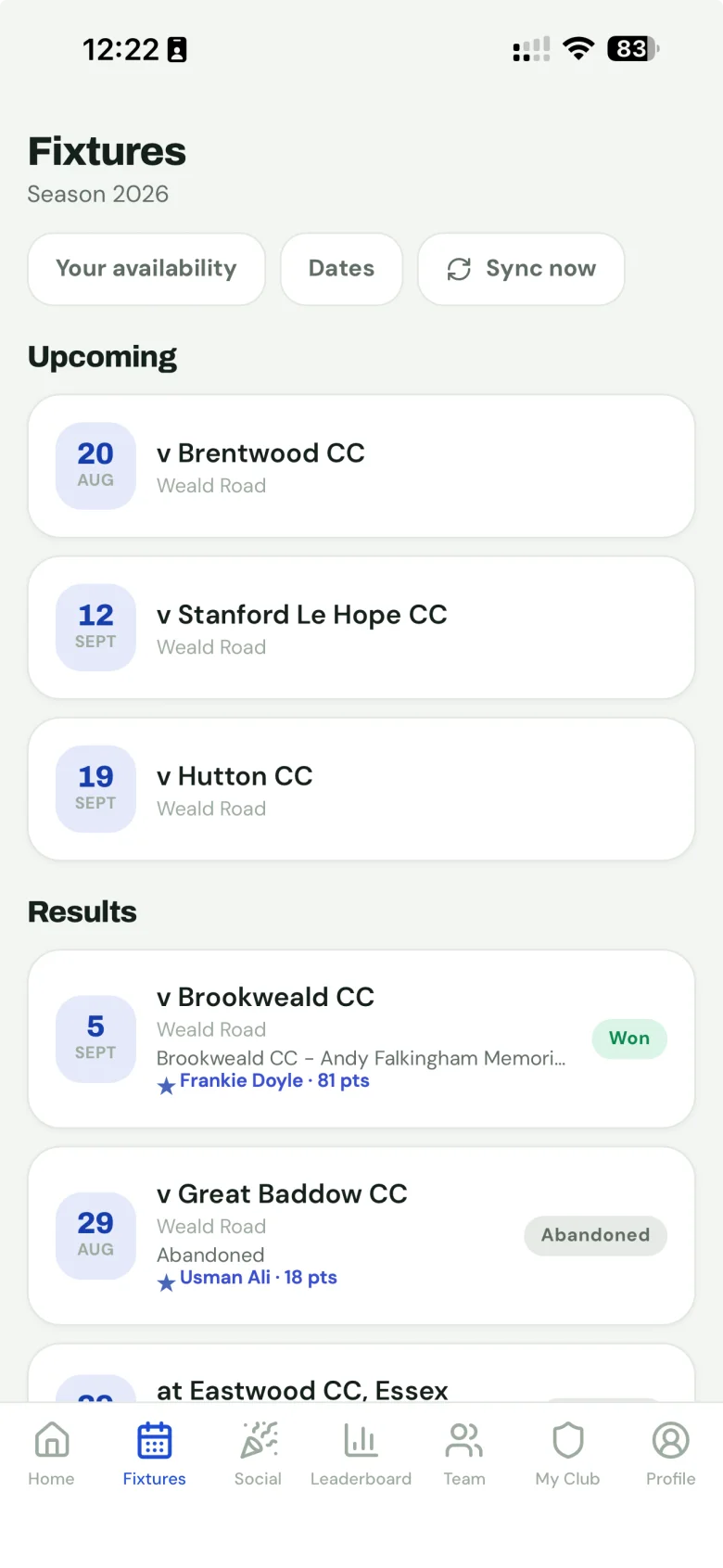
What comes across
- Fixtures for every team you choose, as soon as they’re published on Play-Cricket.
- Results, with your club’s win, loss, tie or draw worked out from your side of the result.
- Full scorecards: every innings, every bowler, every catch, stumping and run-out.
- League tables, so fixtures show both sides’ positions and link to the division table.
From the scorecards, MVP Cricket stamps MVP points for every player using your club’s own scoring weightings, builds batting, bowling and fielding stats per season and all-time, and names a Player of the Match on every result.
Connecting takes two minutes
- Start free and create your club.
- In Club settings → Play-Cricket, enter your club’s Play-Cricket site ID. That’s all: MVP Cricket uses its own Play-Cricket credentials, so there’s no API token to request.
- The first sync pulls your season so far. Pick which teams to keep, and the leaderboard is live.
When the data is wrong
MVP Cricket mirrors Play-Cricket; it never invents a result. When something looks off, it’s nearly always one of three things:
- A scorecard was corrected. The morning sync re-checks recent matches, or hit Re-import on the fixture to fetch it now. It never duplicates.
- A player’s runs went to a stranger. The name on the scorecard didn’t match your player list. Merge or edit the player, then re-import the match.
- A fixture is missing. Check it exists on Play-Cricket first; new fixtures appear once they’re published there.
Club settings shows when the last sync ran and whether it succeeded, and every fixture shows when it was last imported.
Works with Play-Cricket, not instead of it
Play-Cricket is the ECB’s system and your club’s official record. Your scorers keep scoring there and your league keeps reading it. What it doesn’t do is the week-to-week running of a club: who’s available, who’s picked, who’s paid. MVP Cricket takes Play-Cricket’s data and adds that layer, plus a leaderboard your players will actually open.
Questions
Does MVP Cricket replace Play-Cricket?
No. Play-Cricket stays your club’s official record: scorers keep scoring there and leagues keep reading it. MVP Cricket reads from it and does the things Play-Cricket doesn’t: MVP points, availability, selection, team sheets and match fees.
What do I need to connect it?
Only your club’s Play-Cricket site ID, entered in Club settings. MVP Cricket uses its own Play-Cricket credentials, so you don’t need to request an API token or give anyone your Play-Cricket login.
How often does it sync?
Every morning at 06:00 (UTC), on every plan including Free. Any match can also be re-imported straight away from its fixture page.
What if a scorer corrects a scorecard after the game?
The morning sync re-checks recently played matches, so a correction made on Tuesday is in by Wednesday morning. Points, stats and leaderboards are restamped automatically.
Can we sync only some of our teams?
Yes. Play-Cricket lists every team at a club under one site ID. In Club settings you can tick which teams appear in the app; untick one and its past matches stay, but nothing new comes in.
Does it send anything back to Play-Cricket?
No. The sync only reads. Nothing in MVP Cricket changes your Play-Cricket data.
Daily Play-Cricket sync is included on the Free plan. Connect your club in two minutes.